PLATFORM CHECK
Is Sandustry on Game Pass?
The current PC Game Pass status, supported device and what the Xbox listing actually confirms.
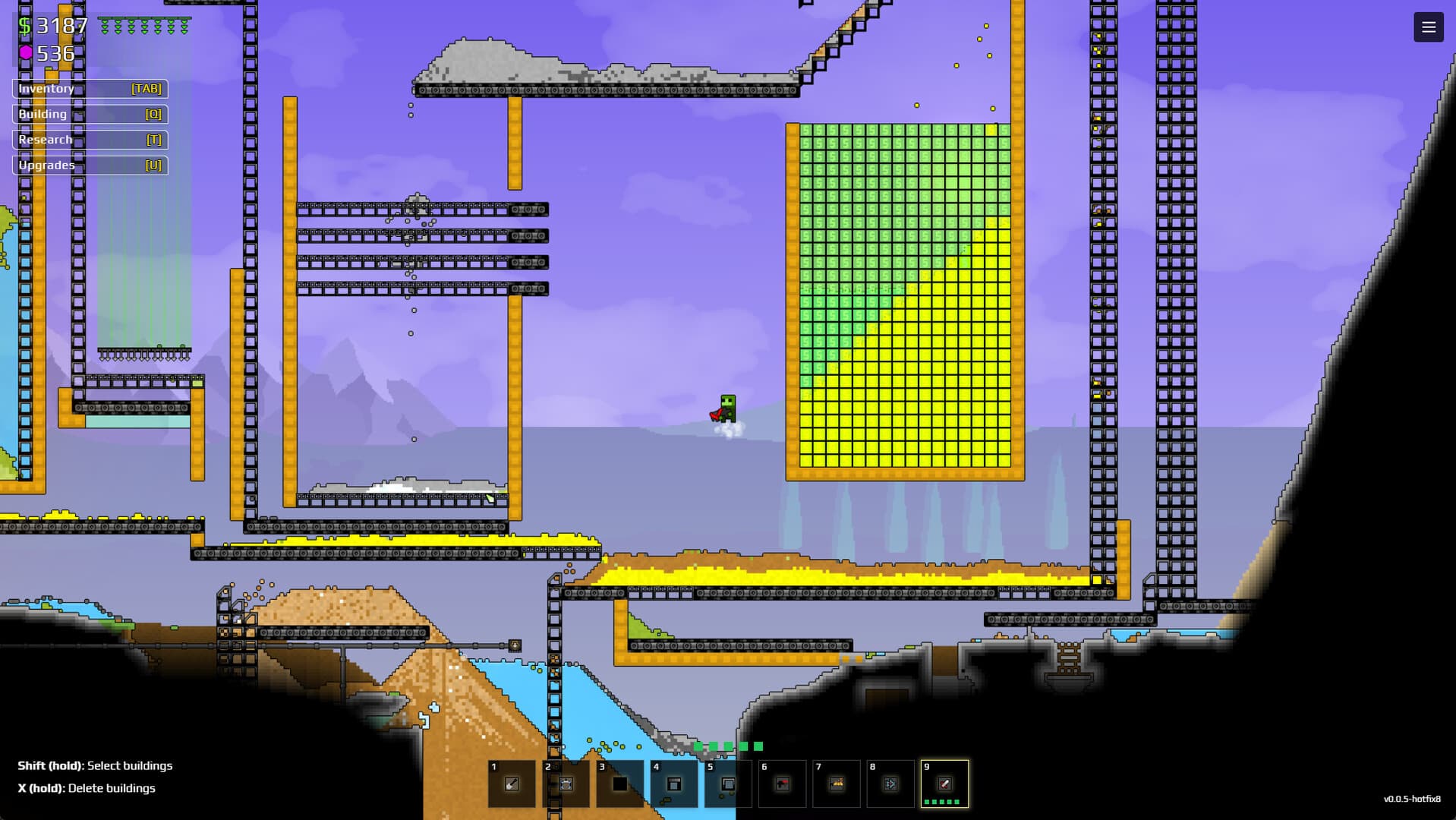
Yes. The Xbox store lists Sandustry (Game Preview) for PC and includes it with Game Pass. The same listing says “Play with PC,” so this status should not be presented as confirmation of an Xbox console version.
- Subscription
- PC Game Pass
- Device
- PC
- Cloud saves
- Xbox cloud saves
How to access it
Open the Xbox app on PC, search for Sandustry (Game Preview), and check that your subscription is active. Store availability and subscription tiers can vary by region.
Save and version questions
The Xbox listing confirms cloud saves and achievements. It does not establish cross-save compatibility with Steam, so do not promise transfers without an official statement.
Install and verify the PC version
Open the Xbox app on Windows, confirm the account has an active eligible subscription, and search for the exact Sandustry Game Preview listing. The store’s “Play with PC” label is the important device signal. After installation, launch once before moving saves or changing folders so the service can create the expected data. If the listing is missing, check the current account region and subscription catalog instead of assuming the game has been removed everywhere.
- Confirm the Xbox app is signed into the subscribed account.
- Use the exact Game Preview store listing.
- Check the PC device label and required Windows version.
- Launch a new save before testing any transfer workflow.
Keep storefront claims separate
Xbox cloud saves mean the Xbox PC version can use Microsoft’s cloud-save service; they do not establish a supported transfer to Steam. Achievements, Workshop access, mod paths and update timing can also differ between storefronts. Keep separate backups when experimenting and do not overwrite the only working save with a file from another build. For any cross-save claim, wait for an explicit developer statement that names both source and destination platforms.
EVIDENCE LOG