REUSABLE LAYOUTS
Sandustry Blueprints & Factory Layouts
Learn how to copy and paste Sandustry blueprints, then evaluate factory layouts by inputs, outputs, overflow handling and game version.
Use C to select structures, Ctrl+C to copy, and Ctrl+V to paste repeated systems. Community blueprints are useful starting points, but every listing should state its inputs, outputs, footprint, research requirements, author and tested version.
- Select
- C
- Copy
- Ctrl + C
- Paste
- Ctrl + V
How to judge a blueprint
Look for visible material flow, overflow handling and inspection access. A small design is only useful when it can clear every byproduct at the intended throughput.
Credit and compatibility
Preserve the author name and source link. Test imports on a copy of your save and record the game version before recommending a layout.
Starter blueprint pattern: wet, shake, split
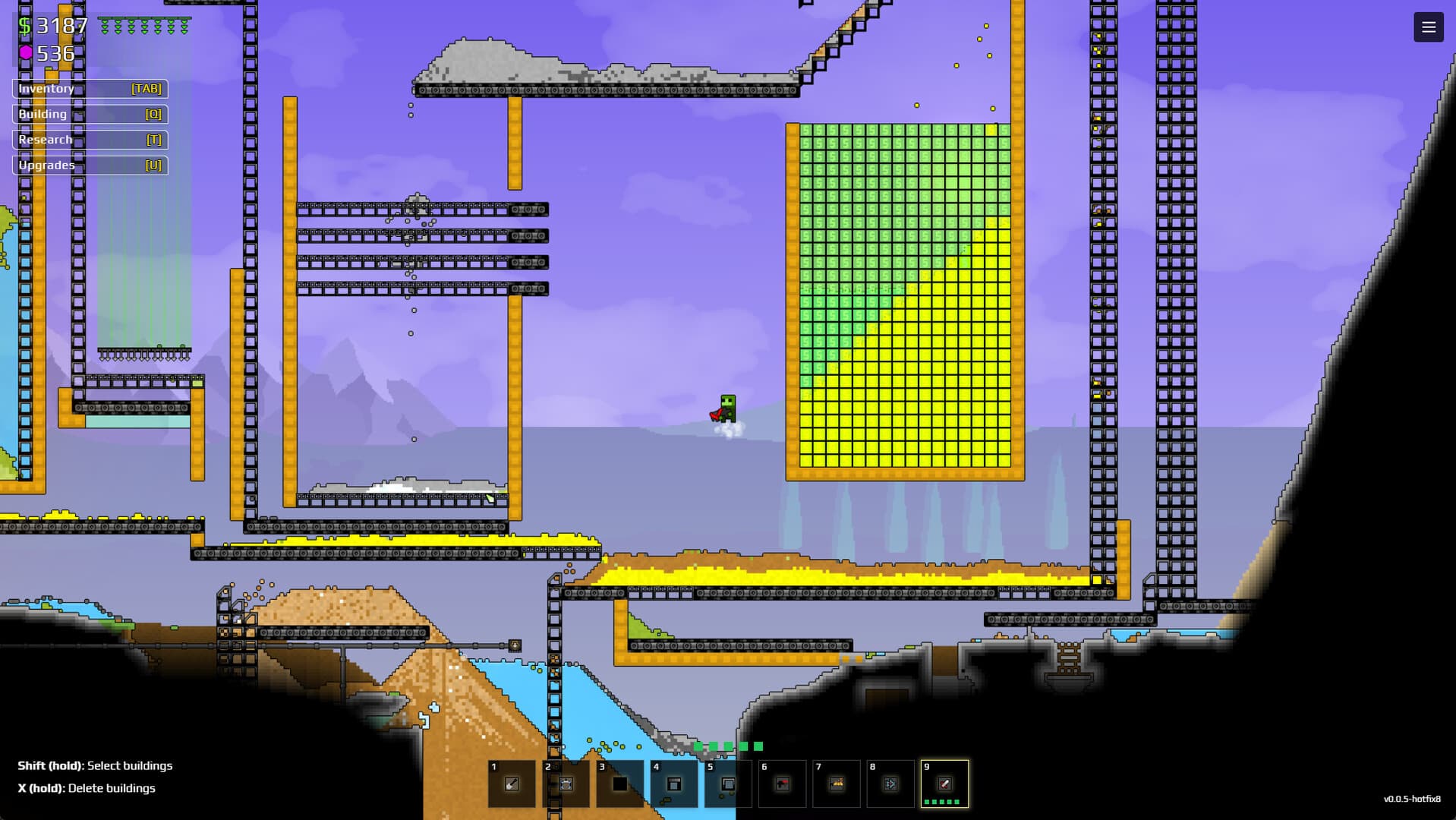
Build the first reusable cell around three visible lanes. The input lane creates Wet Sand inside a contained water pocket. The processing lane drops that material through Shakers. The output area gives Gold a clear collection path below while Residue exits to a separate side route. Leave one open inspection edge and an overflow pocket; the pattern is valuable because each state can be observed and copied, not because it hides the factory inside a compact box.
- Select only the structures and walls that belong to the module.
- Keep Water containment inside the copied boundary.
- Label or visually separate Gold and Residue exits.
- Paste into an empty test area and run a small batch before connecting storage.
Blueprint acceptance checklist
Before recommending a community layout, record its author, source, tested build, required research, approximate footprint, accepted inputs and every output. Then test an empty start, a normal batch and an overflow condition. Reject designs that require hidden manual clearing, mix valuable output with waste or cannot be inspected after pasting. If the design depends on a mod, branch or specific terrain shape, state that beside the layout instead of leaving the requirement to be discovered after import.
EVIDENCE LOG